Key points
- Works on most Samsung and LG TVs from the last several years
- No extra box needed if your TV has a suitable app
- Older TVs may be better served by a streaming stick
If you own a Samsung or LG smart TV, you may not need any extra hardware to watch Aero IPTV. Both brands have app stores with IPTV players that can load your account directly. The process is slightly different from a Fire TV or Android box, because many TV players are set up through a website using a code shown on your TV. This guide explains both routes.
Check your TV first
- Samsung TVs run Tizen. Open Apps from the home screen to reach the Samsung app store.
- LG TVs run webOS. Open the LG Content Store (called Apps on newer models).
- Update the TV software under Settings › Support › Software Update (Samsung) or Settings › General › About This TV (LG). Many player apps need a recent version.
Choose a player app
Search your TV's app store for "IPTV". You will find several players. They tend to fall into two groups:
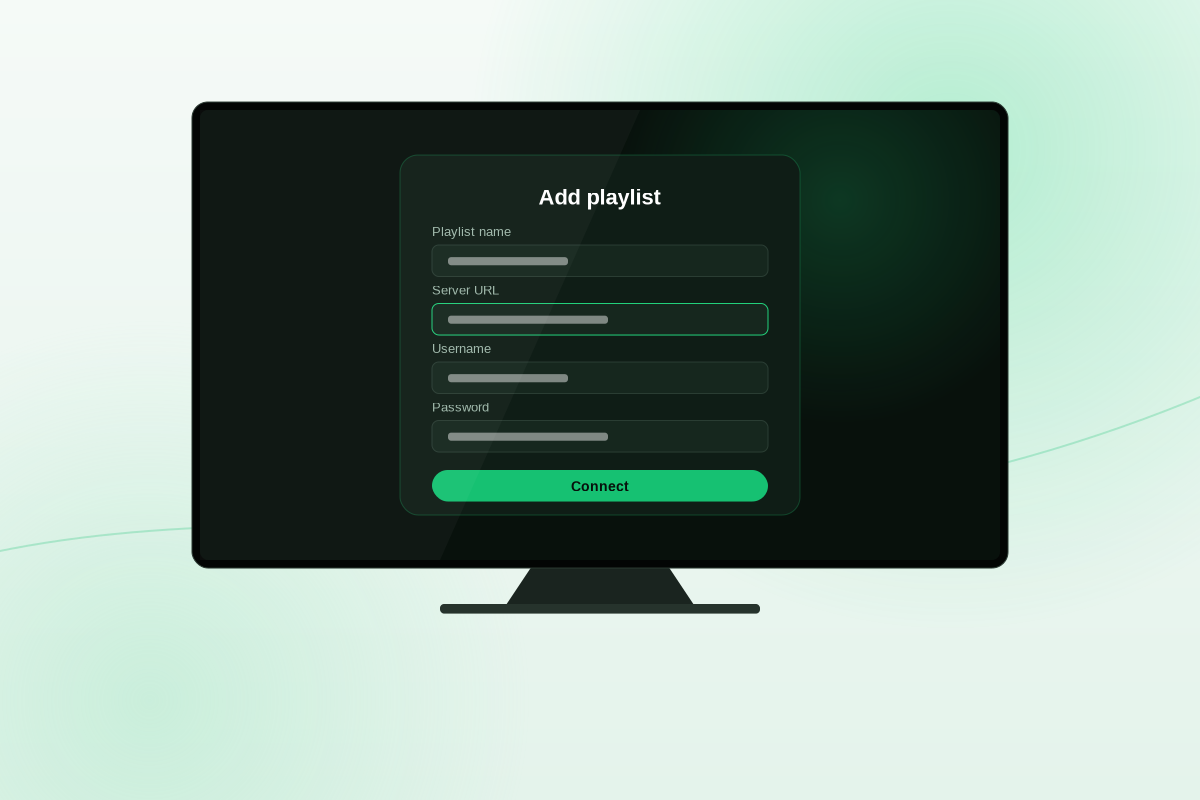
- Login players let you type an Xtream Codes server, username and password straight into the TV.
- Activation players show a MAC address or device key on screen. You then visit the app developer's website on your phone or computer and upload your playlist link against that code. Many of these charge a small one-time activation fee to the app developer after a free period; that fee is separate from your Aero IPTV plan.
Read recent reviews in the store, because TV apps change often. We are happy to recommend a player that currently works well on your model; just tell us the brand and year of your TV on WhatsApp.
Setting up a login player
- Install and open the app, then choose Add user or Xtream Codes.
- Enter the server address, username and password exactly as sent in WhatsApp.
- Save and wait for the channels, movies, series and guide to load.
Setting up an activation player
- Open the app on the TV and note the MAC address or device key it shows.
- On your phone or computer, go to the developer's official website (shown in the app) and find the playlist upload page.
- Enter the MAC or key, then paste your Aero IPTV M3U link (we send it on request) or your Xtream details, and save.
- Restart the app on the TV. Your playlist should now load.
Only use the website the app itself points you to. If a site asks for payment details you did not expect, stop and message us first.
Getting a good picture on a smart TV
- Use Ethernet. Almost every smart TV has a network port. A cable is the single best fix for stutter.
- Turn off motion smoothing (Auto Motion Plus on Samsung, TruMotion on LG) if sport looks artificial or laggy.
- Keep the app updated and restart the TV fully every so often by unplugging it for a minute; standby does not clear memory.
When a stick is the better choice
TV processors are often slower than dedicated streaming devices, and older models stop receiving app updates. If your TV is more than five or six years old, the menus feel sluggish or no suitable app is available, a Fire TV Stick or Android TV box usually gives a faster, smoother experience for a modest cost. See our Fire TV Stick guide or Android guide.
Common smart TV problems
| Problem | Try this |
|---|---|
| Playlist uploaded but nothing appears | Close the app completely and reopen it, or restart the TV, so it fetches the new playlist |
| App asks for activation after a few days | That is the app developer's own licence, not your Aero IPTV plan; follow the app's instructions or ask us for an alternative |
| No program guide | Use the Xtream login where possible, or add the EPG link we send you in the app's settings |
For anything else, send a photo of the screen to us on WhatsApp.