Key points
- Both give access to the same subscription
- Xtream Codes is usually easier and loads the guide automatically
- M3U is the universal fallback for any player
When you sign up for IPTV, your login usually arrives in one of two forms: an M3U link or an Xtream Codes login (a server address, username and password). Both open the same subscription, but they behave differently in your player app.
What is an M3U playlist?
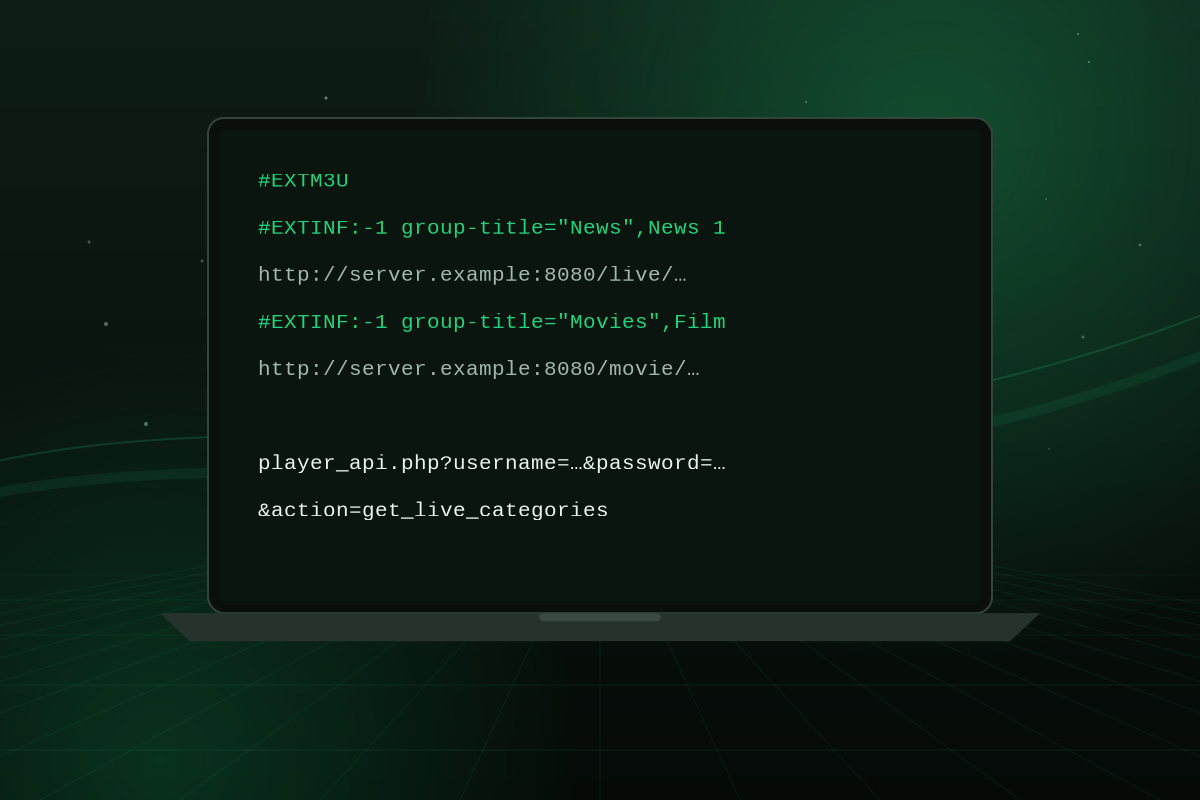
M3U is a simple text format that lists streams one after another, each with a name, a category and a web address. An M3U link is a single long URL that downloads that list. Almost every media player in the world can open one, which makes it the universal option.
The downside is that an M3U file is just a list. Movies, series and the program guide may need separate handling, and very large lists can be slow to load.
What is an Xtream Codes login?
Xtream Codes (often called "Xtream API") is a login format used by many IPTV players. Instead of downloading one giant list, the app talks to the server, which sends live channels, movies, series and guide data in organized sections. You enter three things: the server URL (often including a port number), a username and a password.
Side by side
| M3U link | Xtream Codes | |
|---|---|---|
| What you enter | One long URL | Server, username, password |
| Player support | Almost every player | Most dedicated IPTV players |
| Movies and series | Sometimes mixed into the list | Separate, organized sections |
| Program guide | Often needs a separate EPG link | Usually loads automatically |
| Loading speed | Slower with very large lists | Usually faster |
Which should you use?
If your player supports Xtream Codes, use it. It is less typing, it organizes the library better and the guide just works. Use the M3U link for players that only accept playlists, such as general media players, or as a quick test. Aero IPTV customers can ask for whichever format their app needs.
Entering details correctly
- Copy and paste rather than retyping wherever possible.
- Keep
http://orhttps://at the start of the server and any port such as:8080at the end, exactly as sent. - Watch for spaces at the end of a username or password; they cause most "invalid login" errors.
- Usernames and passwords are case sensitive.
Common errors
| Error | Likely cause |
|---|---|
| Invalid login / authorization failed | Typo, extra space or wrong case |
| Cannot connect to server | Missing http:// or port, or a network issue |
| Playlist loads but is empty | Load interrupted; refresh the playlist |
| No guide data | EPG not added (M3U); switch to Xtream if possible |
Keep your login private
Your M3U link contains your username and password inside it. Treat it like a password: do not post it online or share it outside your household, as that can get the account suspended. If you think it has leaked, message us on WhatsApp and we will help.